Here are my thoughts on yaoi IRC clients. WIP.
This is written assuming that your goal is to use IRC in the same way that many communities in 2026 use discord, slack, etc. So chathistory, file upload and being able to connect to multiple networks are necessities, and things like replies, reacts, avatars, etc are very nice to have. The assumption is also that users may not have used IRC before. If you’re an IRC purist who thinks IRCv3 is a product of a libertine and decadent society this is probably not for you
Table of Contents
Desktop
Cross-platform
Halloy
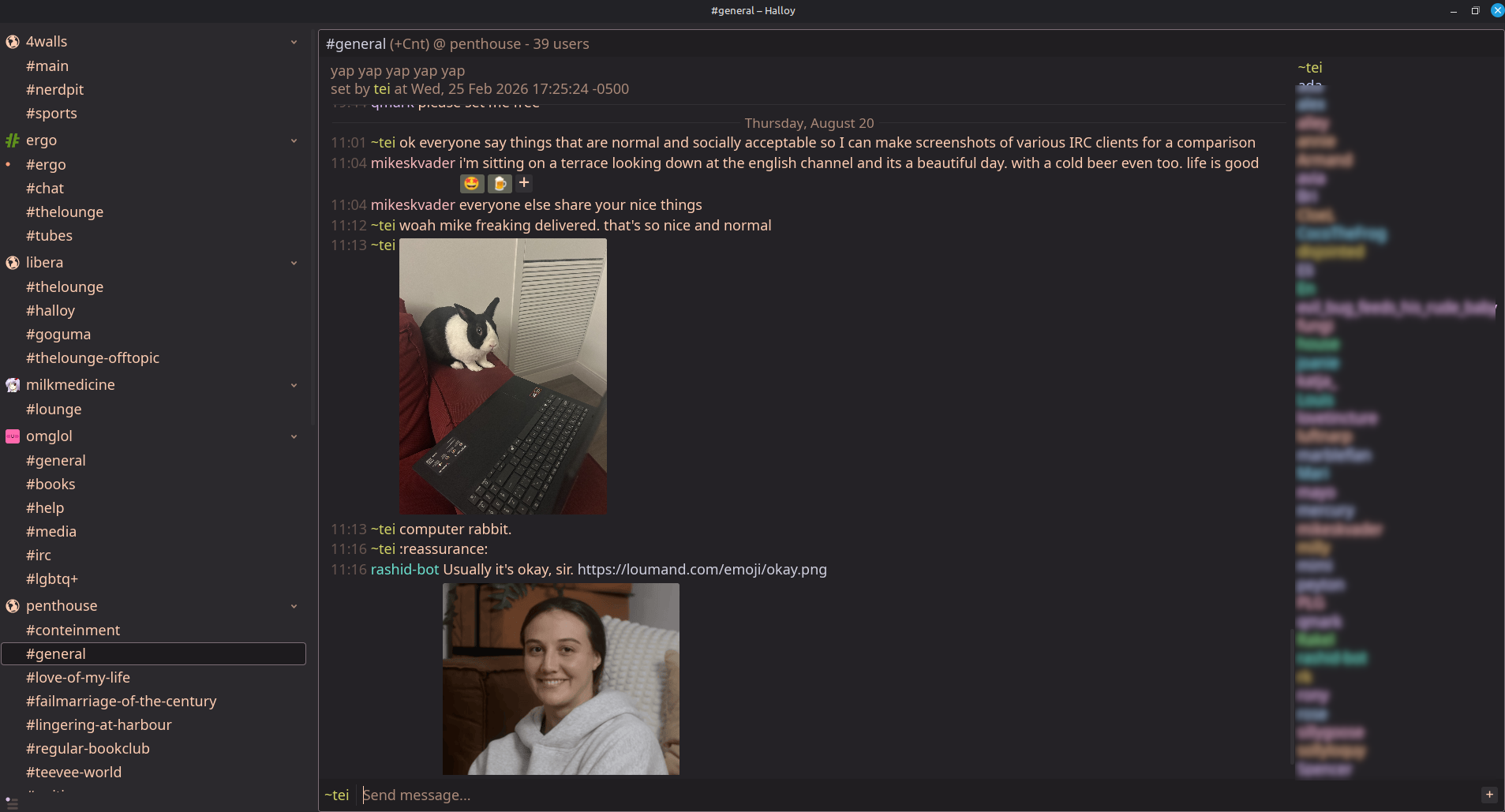
Halloy is great. You should use Halloy and give everyone who makes it a sloppy blowjob. They’re on the No-AI Tech List so you won’t even have to suck off Sam Altman. An annoying thing about Halloy is that it doesn’t play gifs. Most other things about it are perfect, however, you do have to use a config file to set it up and tell it which networks to connect to. They have lots of examples and instructions on their site to choose from it’s not scary I promise. Or email me and I will send you a config file that will be so niceys.
| Pros | Cons |
|---|---|
| Many IRCv3 features | Requires configuration in a config file, not menus |
| Free and open-source, available on Mac, Windows and Linux | Desktop-only, so requires you to choose a different mobile client |
| LLM-free |
MacOS
Mango
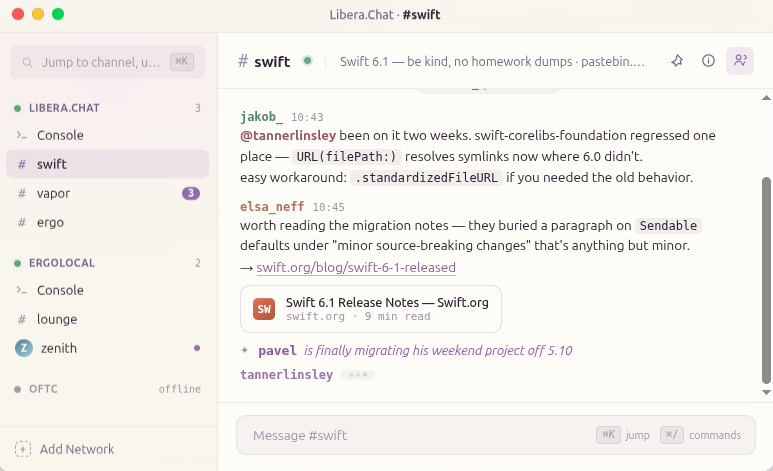
I haven’t personally used this because I don’t have a mac, but the iOS version of the same client is below.
| Pros | Cons |
|---|---|
| Many IRCv3 features | Requires one-time purchase |
| Available for all Apple devices |
Mobile
Cross-platform
Goguma
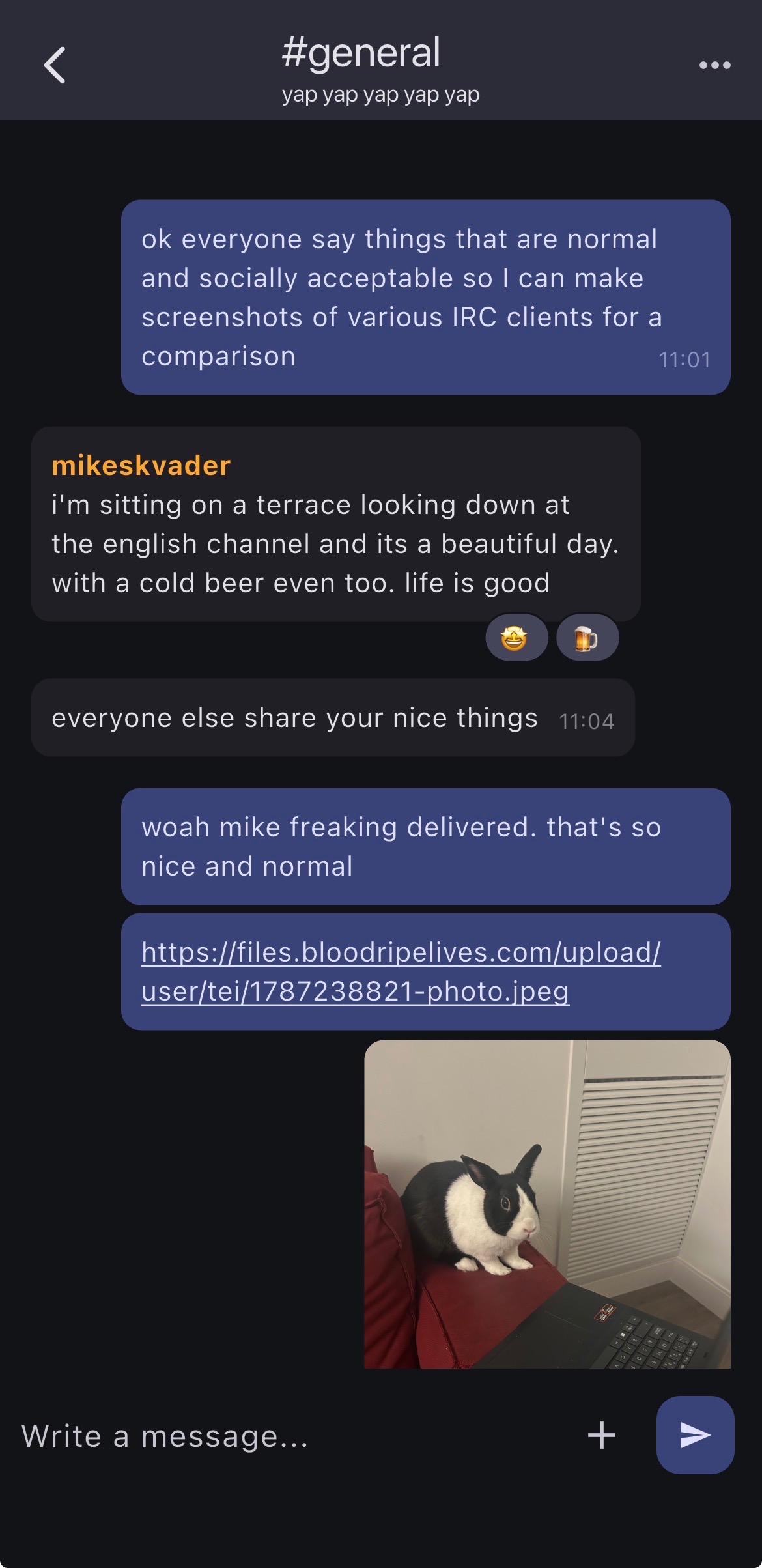 If you’re on Android, this is probably the mobile client you want. The most annoying thing about this client is that, unless you use a bouncer, you can only connect to one network at a time. EYE find this irritating because, with the features of an IRCv3 server like ergo, which is likely what you’re connecting to if you’re the target market for these clients, you don’t really need a bouncer for any other reason. If you’re wondering what a bouncer is, don’t worry about it kitten. But if you have one, or you only want to connect to one network, it’s pretty nice.
| Pros | Cons |
|---|---|
| Many IRCv3 features | Requires a bouncer to connect to more than one server at a time |
| iOS and Android | Seemingly stalled development |
iOS
Mango
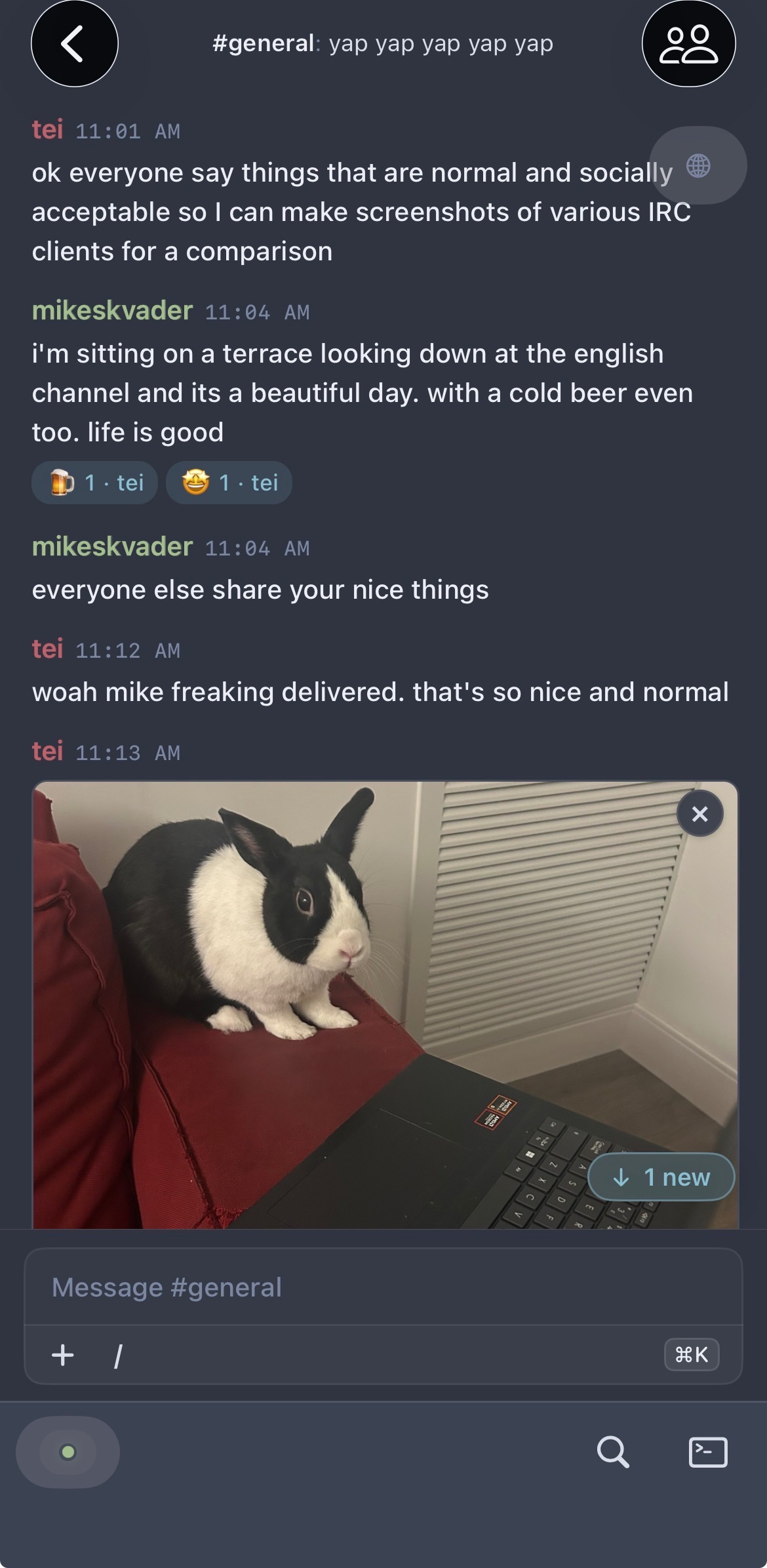
This is a really nice client for iOS; I haven’t used the desktop version, but presumably it works similarly. It does cost $12.99 USD on the app store, which is a one-time fee and not a subscription. It does stuff a lot of other clients don’t, like showing the IRCv3 metadata avatars just like you’re in discord or something.
| Pros | Cons |
|---|---|
| Many IRCv3 features | Requires one-time purchase |
| Available for all Apple devices |
Web
Whereas the desktop and mobile clients are pieces of software you can install directly on your device, these are pieces of software that need to be hosted on a webserver somewhere for you to access them. Therefore, unless you’re going to host your own, using these will depend on being invited to a community that has one running. This list therefore is more for people considering self-hosting an IRC client for use by others.
thelounge
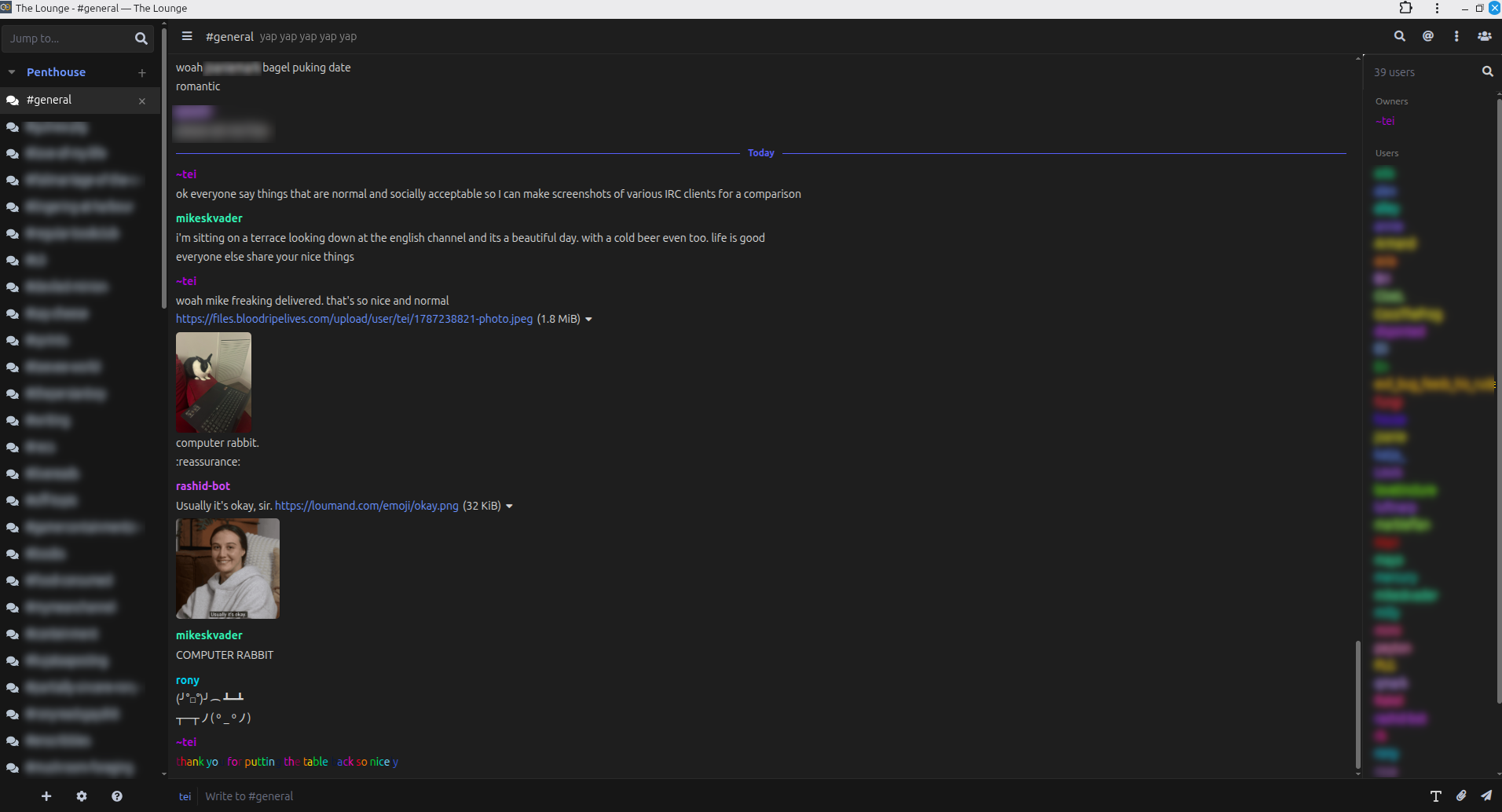
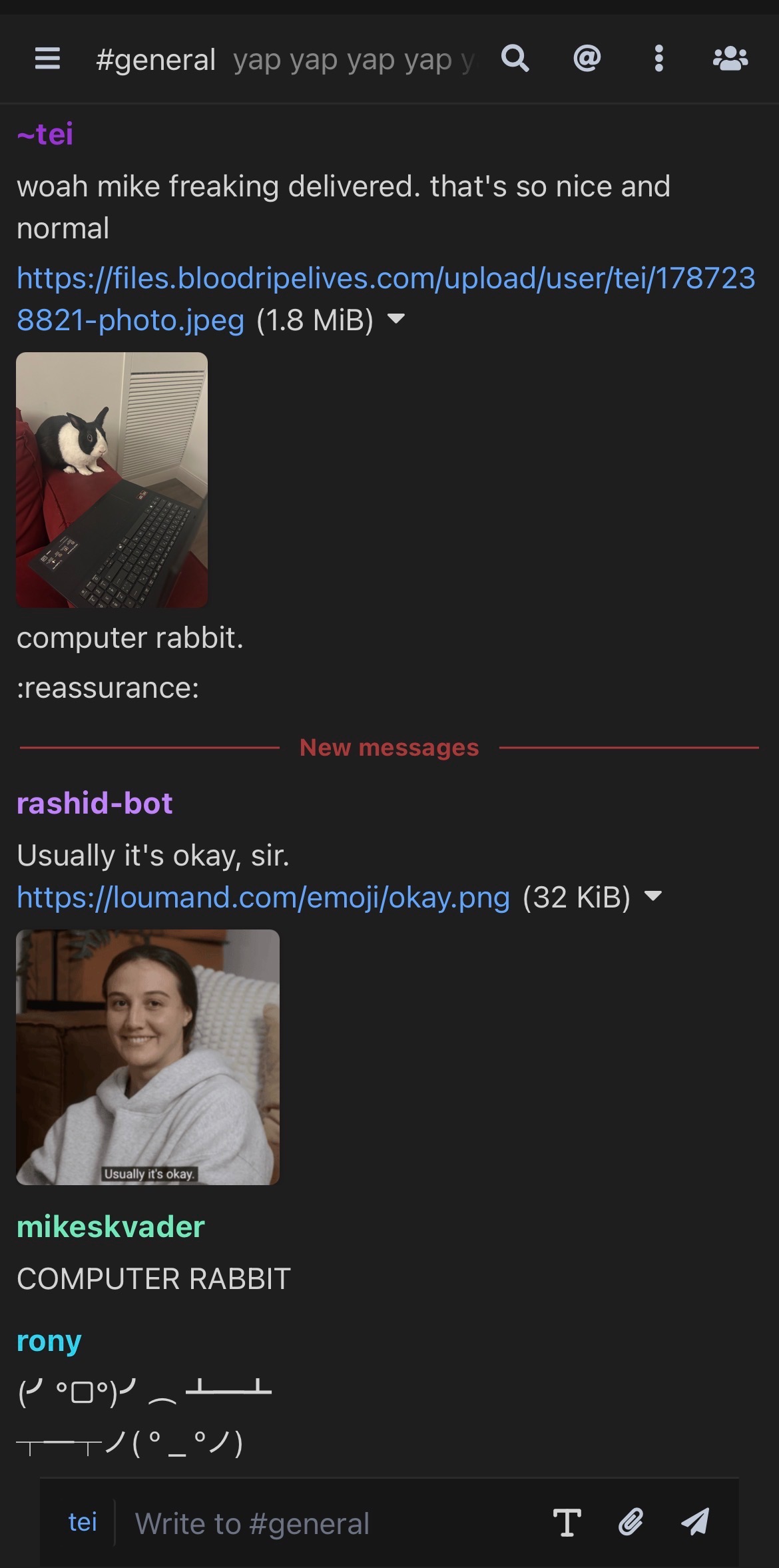
Sigh. What to say about thelounge. Once the developer of ergo banned me from mentioning thelounge in the ergo channel because he doesn’t want anyone else to start using it. The problem with thelounge is that it’s pretty good and was ahead of its time. It has a PWA that looks soso good on desktop and mobile. It has tons of themes. It came up with its own chat logs and file uploads before those things were implemented in servers, so now they’re kinda just… there. If you’re regularly on servers that don’t have chathistory or file uploads, this may be just what you need! If not it’s just kind of annoying. It does have IRCv3 chathistory, but the only file upload option is the client-provided one. Notification syncing is another big annoyance: if you use thelounge on both your desktop and mobile, it works great! Stuff is synced via your thelounge account. But if you want to use, for instance, Halloy on desktop and thelounge on mobile…. you can’t really do that, because your unread messages won’t sync across those two clients the way they will pretty much all the rest of the clients on this page.
Another issue is that the fact of having an account on a client, which syncs itself between different installs of the PWA, means the need for SASL authentication is not particularly clear or acute. Which is fine, until someone wants to register a channel to make it password-only, or something, at which point you’re explaining that actually, you need to register for a different account, yes I know you already have an account but that isn’t the right one… here’s the page where I do that.. It’s just kind of annoying and not really how modern IRC is agreed to work among everyone that isn’t thelounge. but if you’re migrating a Discord community and want the lowest-effort, most intuitive setup for users who have never used IRC before… it still might be it. Good luck!
| Pros | Cons |
|---|---|
| Client provides chathistory, file upload, notification syncing | File upload and notification are not via the IRCv3 implementation on the server |
| Many themes and plugins | Having an account with the client liable to confuse new users between thelounge account and SASL |
obby
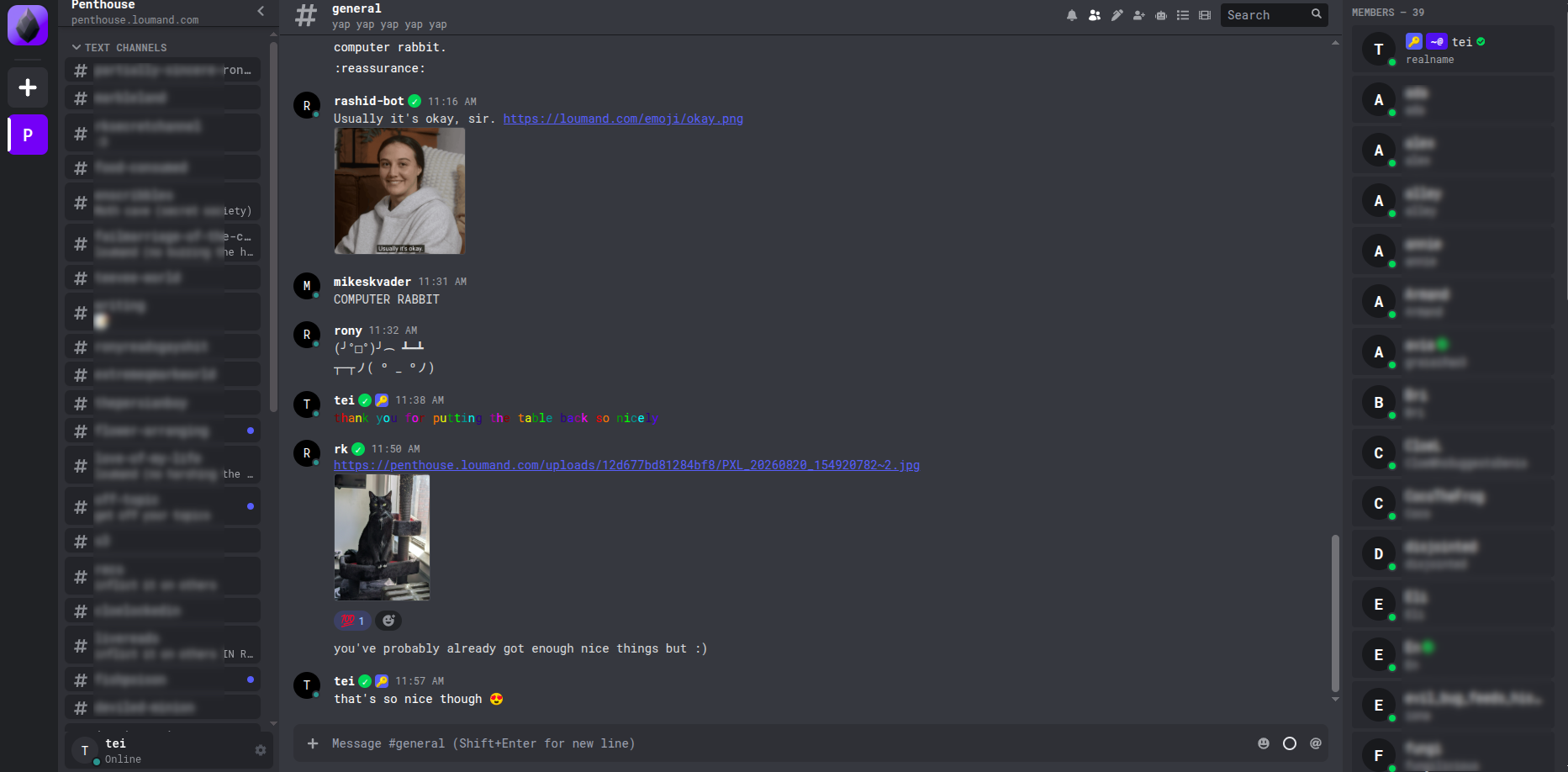
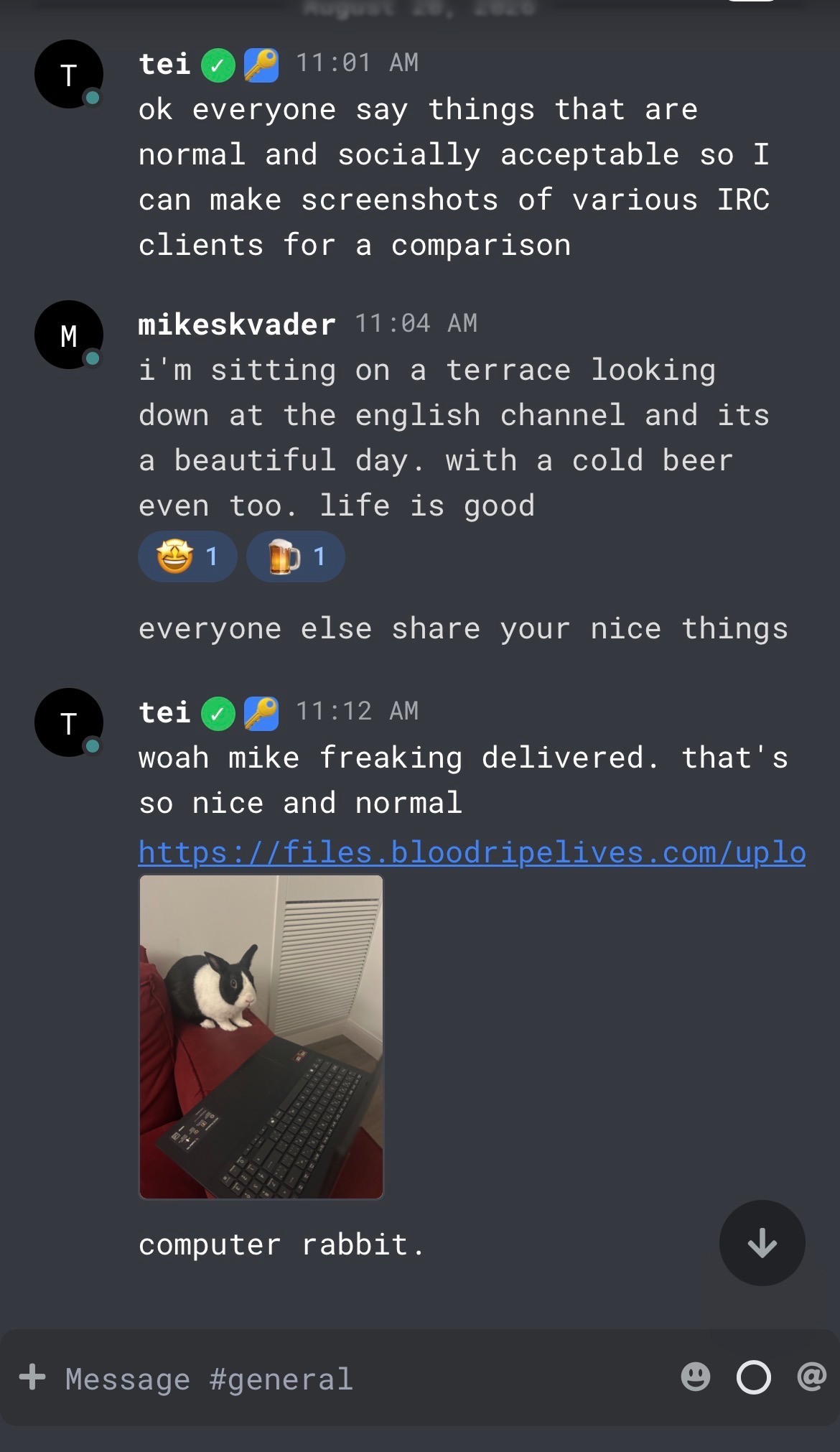
Man, do I ever wish this thing actually worked well
| Pros | Cons |
|---|---|
| Discord-like look | File upload doesn’t work with all IRCv3 filehost implementations (only obbyworld? idk) |
| Mobile PWA buggy, can’t navigate |
Test instance: https://hello.obby.world
obbyworld github
tubes
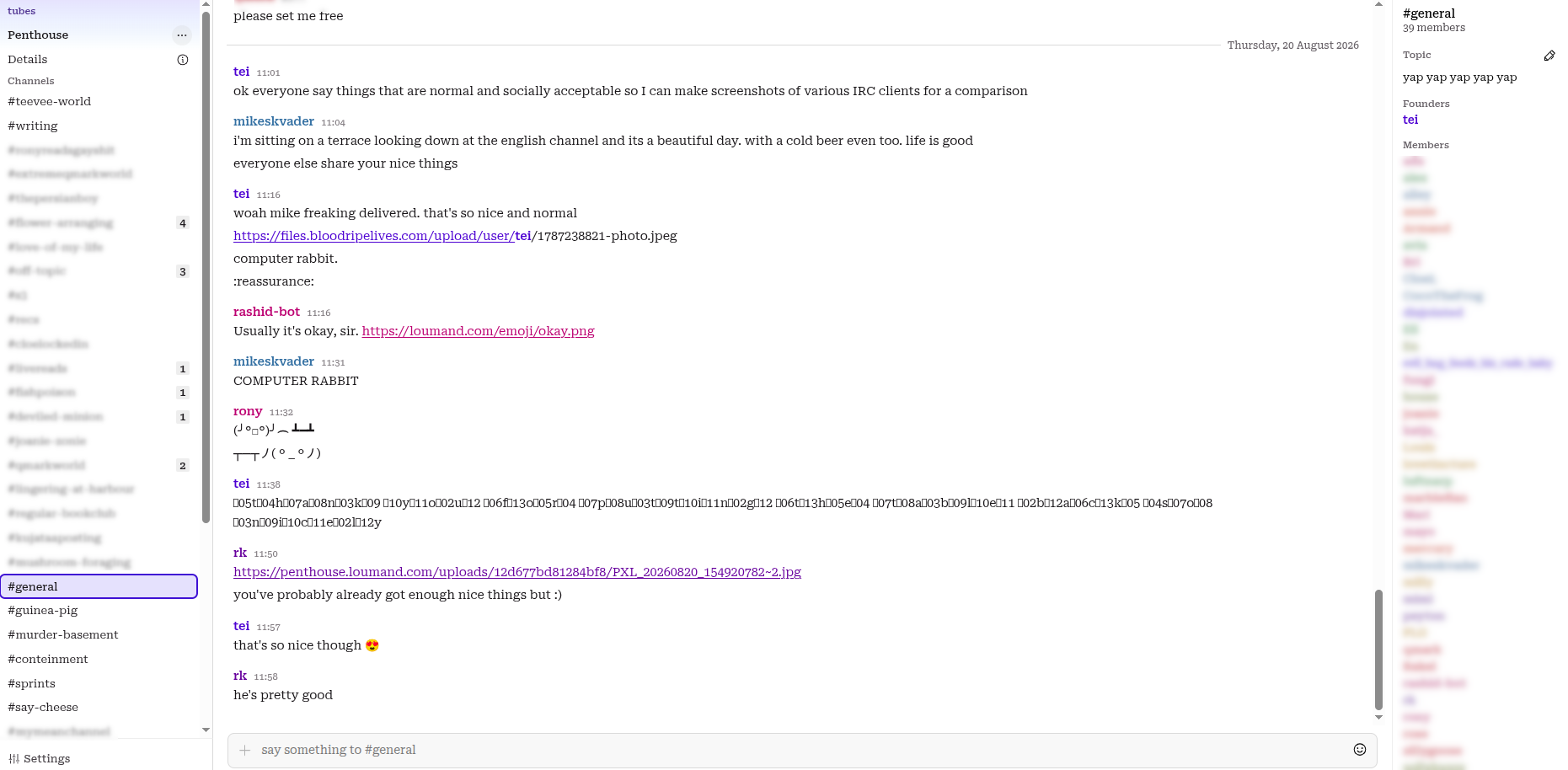 yeah this isn’t really ready yet but I Believe
| Pros | Cons |
|---|---|
| super gay | still cooking |
| LLM-free |
Test instance: https://tubes.chat
tubes codeberg